Category Archives: Uncategorized
What is whaco about the EPIC CDSR F900 flap position 2?
Why do all of our planets rotate around the sun in the same direction?
Entry Floor Boards for a F900

60 each NAS517V3-7XF
10 each NAS517V3-8XF
How do I load the NAV Data Base in a NZ2000?
++++++++++++++++++++++++++++++++++++++++++++++++++++++++++++
USB STICK MUST BE LESS THAN 2 GIG
Get the usb drive from the Grey Box……If you elect to use any other stick, it must be already formatted….FAT
use SHOW HIDDEN FILES to be sure there is no other files
try not to connect the onboard maintenance computer directly to the internet for two reasons:
1. It is XP, and thus virtually a magnet for viruses.
2. it is set to HARD IP for various reasons, that means you will go grey fooling with the DHCP blah blah blah blah.
++++++++++++++++++++++++++++++++++++++++++++++++++++++++++++++++++++++++++++++++++++++++
delete all existing files on the stick
honeywellaes.com
user a178bepx
pw Longtail34
less one each digit
Download NAV db, WORLD
you end up with a EXE somewhere on your laptop.
Run the EXE and set the “extract to” path to go directly to the USB stick.
let it extract.
go to the airplane.
USB loader on the left. Be sure to POWER and SELECT correctly
NZ2000 ,
NAV>NEXT>DATALOAD>FR DISK> TO BOTH> Load Data Base? ACCEPT.
Some trubleshooting:
|
10:54 AM (2 hours ago)  |
|
||
|
||||
Todd,
See dataloader code related 85. Once the other items are confirmed you may have a DL hardware issue or connection problem.When the CDU displays a message of CHECK DATA LOAD (XX) after
an attempted disk operation, the numeric value in the XX position is
interpreted using the data loader fault codes listed
See dataloader code related 85. Once the other items are confirmed you may have a DL hardware issue or connection problem.When the CDU displays a message of CHECK DATA LOAD (XX) after
an attempted disk operation, the numeric value in the XX position is
interpreted using the data loader fault codes listed
85
NO ASYNC DATA RCVD
See 01 (this error number will be seen instead of 01 if the FMS has
the new synchronous download mode)
01
OPEN CMD NO RESPONSE
Check electrical connections. Either the FMS cannot talk to the dataloader (the red drive activity
light does not go on) or the FMS does not hear the response from the dataloader (the
drive light turns on).
Keith Smith
Senior Technical Support Engineer – SATCOM & CMS
Customer & Product Support
Honeywell | Aerospace
1-855-808-6500 (US/CAN) or 1-602-365-6500 (INTL)
Direct: Option 9, then ext 5746
Avionics: Option 1
Mechanical: Option 2
AeroTechSupport@Honeywell.com
For 24/7 AOG Part Support:
1-800-601-3099 Option 4 (US/CAN)
1-602-365-3099 Option 4 (International)
AOG@Honeywell.com
Items not technical related or alternate options please use,
Contact Us
Stapler

What causes high resistance on a battery Alcon connector?
Melted plastic

How do you build a bridge from Sapgetti?
Rules this time were:
5 pieces of spagetti
hot glue only
point loaded mid span only
metal hook or string to suspend the load
the most pennys before failure wins
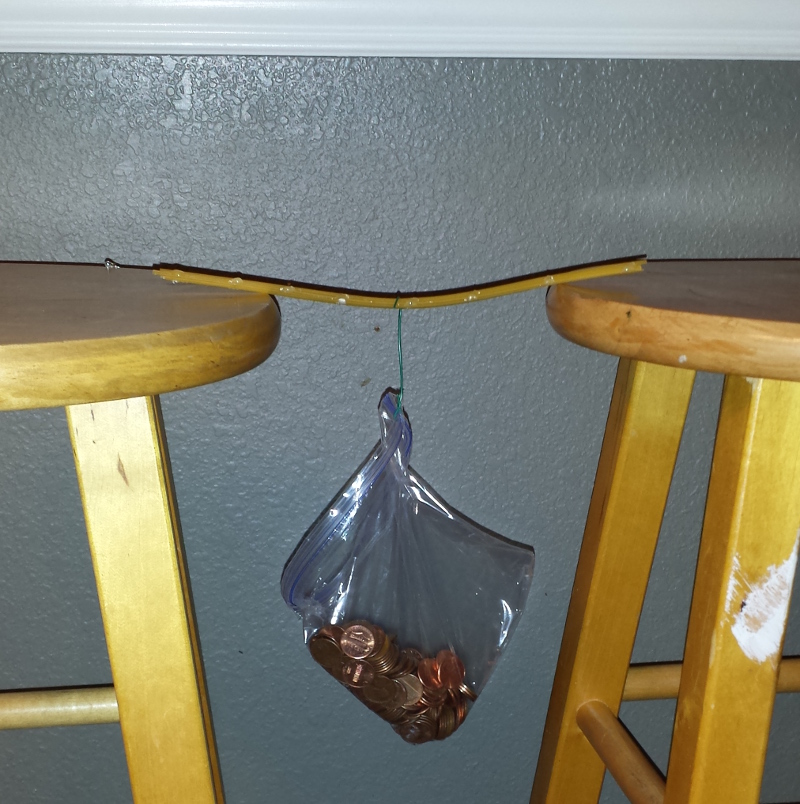
Cindy’s bridge
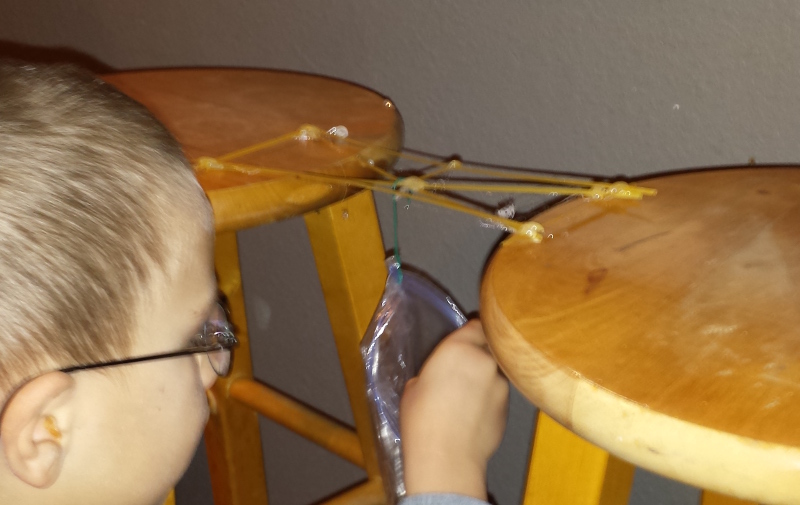
Noah’s Bridge
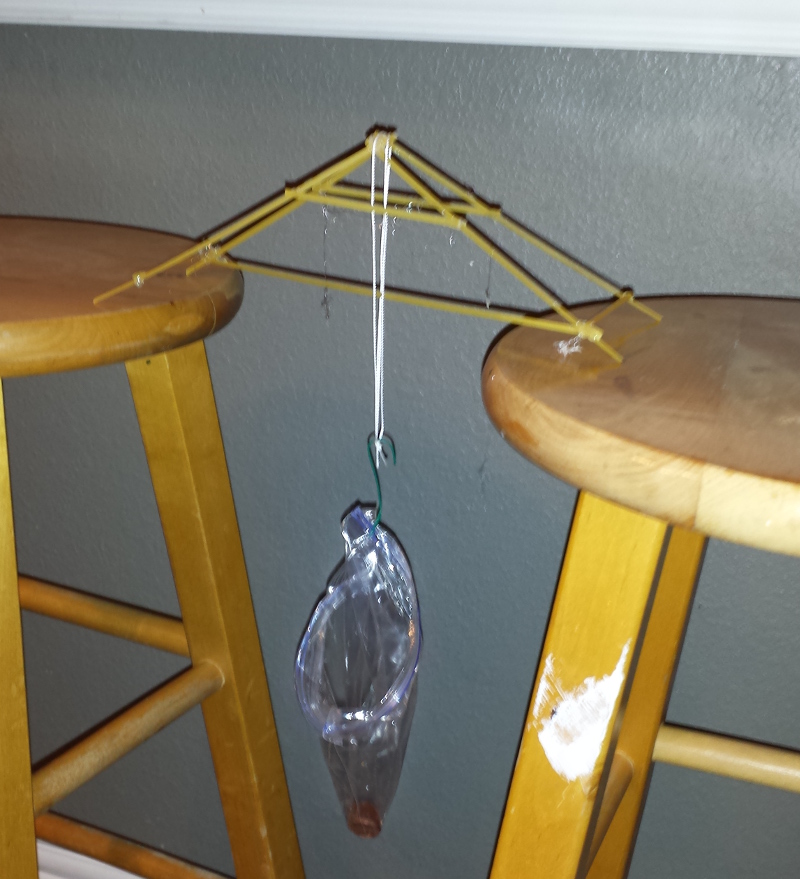
Daddy’s bridge
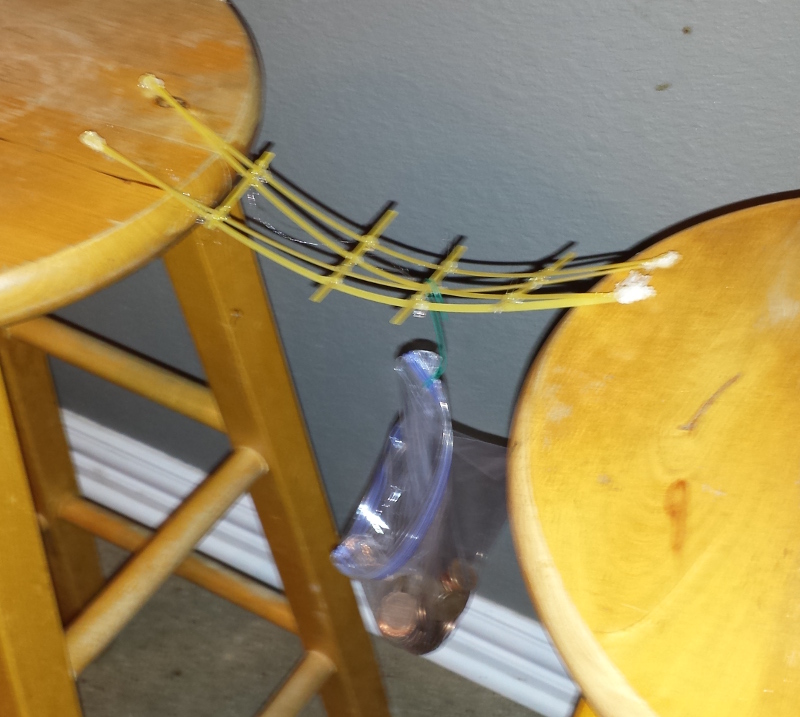
Lucia Bridge
Cindy bridge won at 168 pennys
Noah at 88 pennys
Pop at 71 pennys
lucia at 75 pennys
HOW DO YOU GO FROM A BITMAPPED IMAGE TO USEABLE GCODE?
http://www.linuxcnc.org/index.php/english/forum/31-cad-cam/20632-routing-bitmap-contour
1. Make image as black face (B/W image) in Gimp or similar
2. Import to Inkscape
3. Trace bitmap
4. Delete bitmap – leave traced image
5. Zoom to border and set grid or guide to cutter radius
6. Do multiple Outset (need step small enougth) and observe vhere is enougth.
7. Use GcodeTools Inkscape extension – Path_to_Gcode
That’s all….
Step 6 is little tricky. I can’t set proper step to do it in one Outset operation. So I set that step to small value and observe result when is right amount. It’s easy if the grid is set to the cutter radius and image aligned to grid. Just apply Outset to reach next grid line.
I got good result with that.
Here is a FRITZING to GCODE solution
http://www.instructables.com/id/PCB-designing-and-isolationmilling-only-using-free/?ALLSTEPS