Deselect smart perf feature
Deselect smart perf feature
ACSN 106
7.00 am oat 79.5f, inside cabin 94F.
Initial test low flow.
Flood duct went from 87 to 71 in 2 min, then increase to 77f.

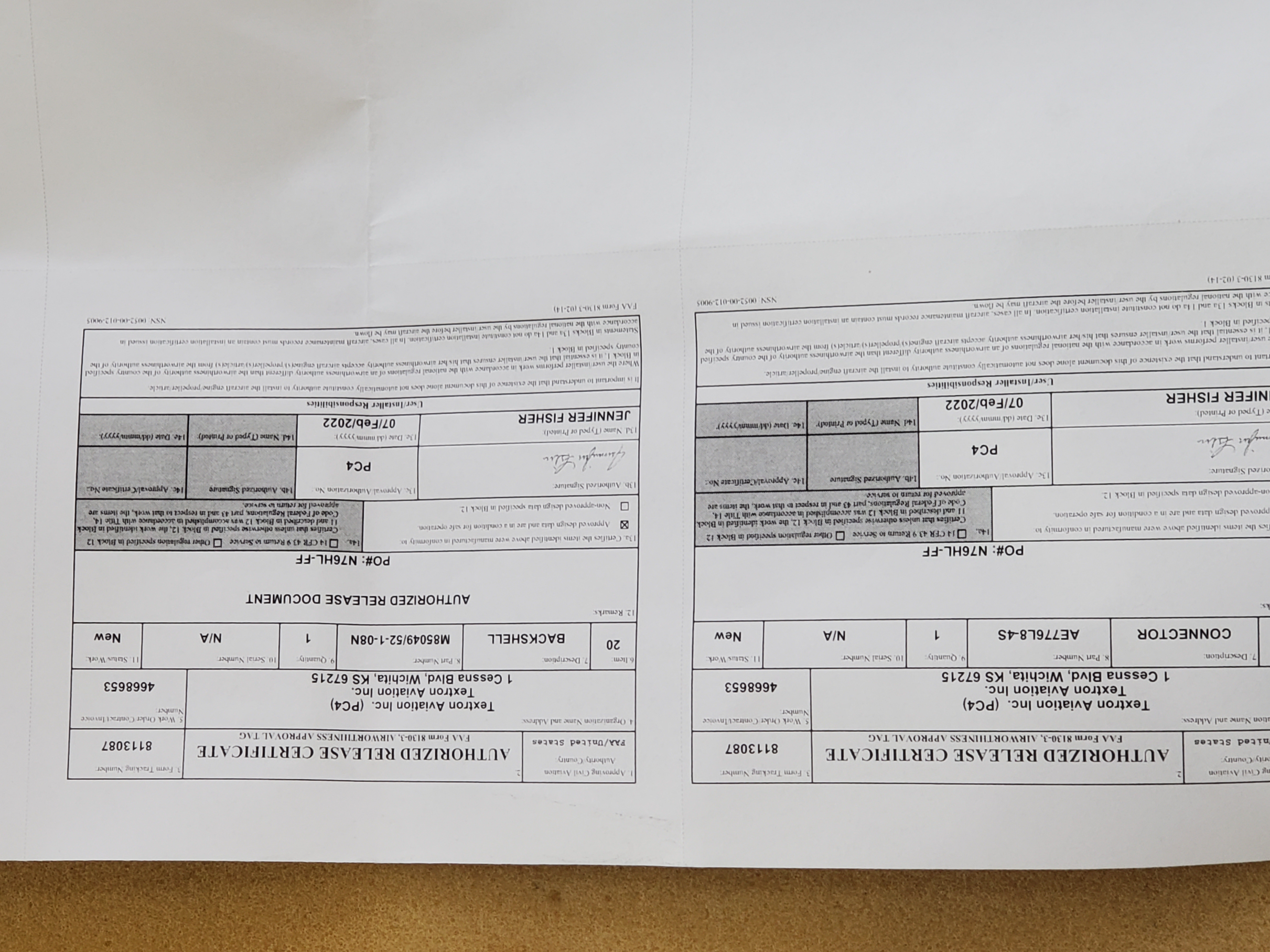
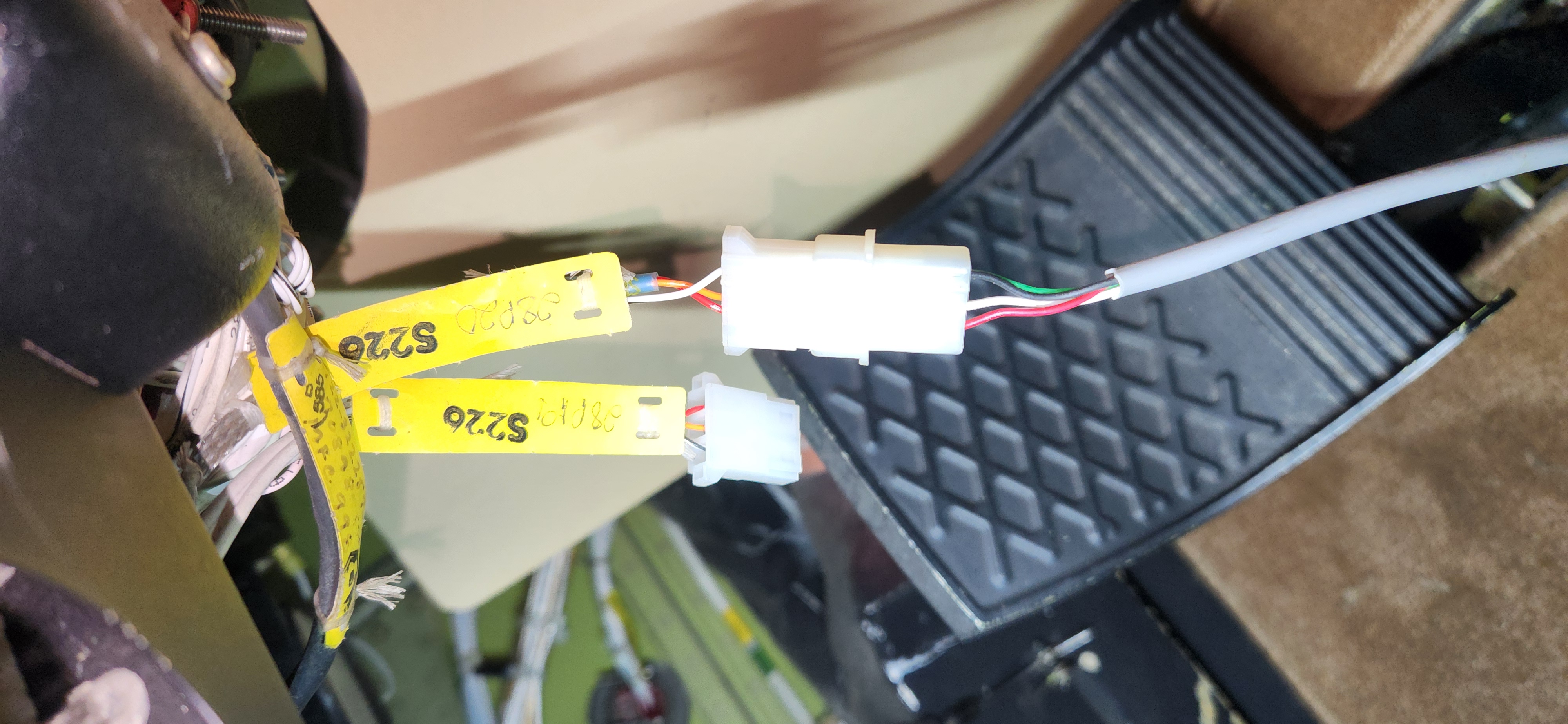
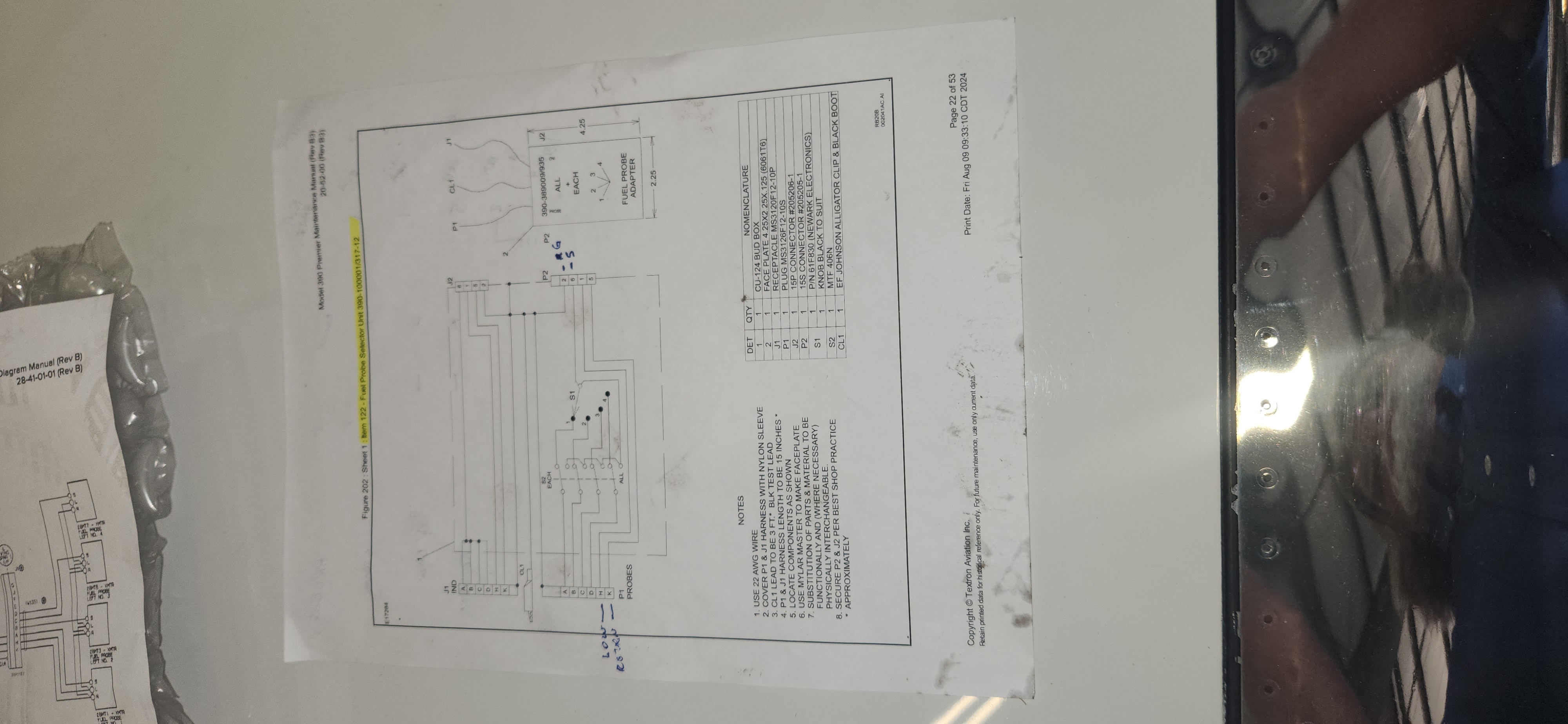
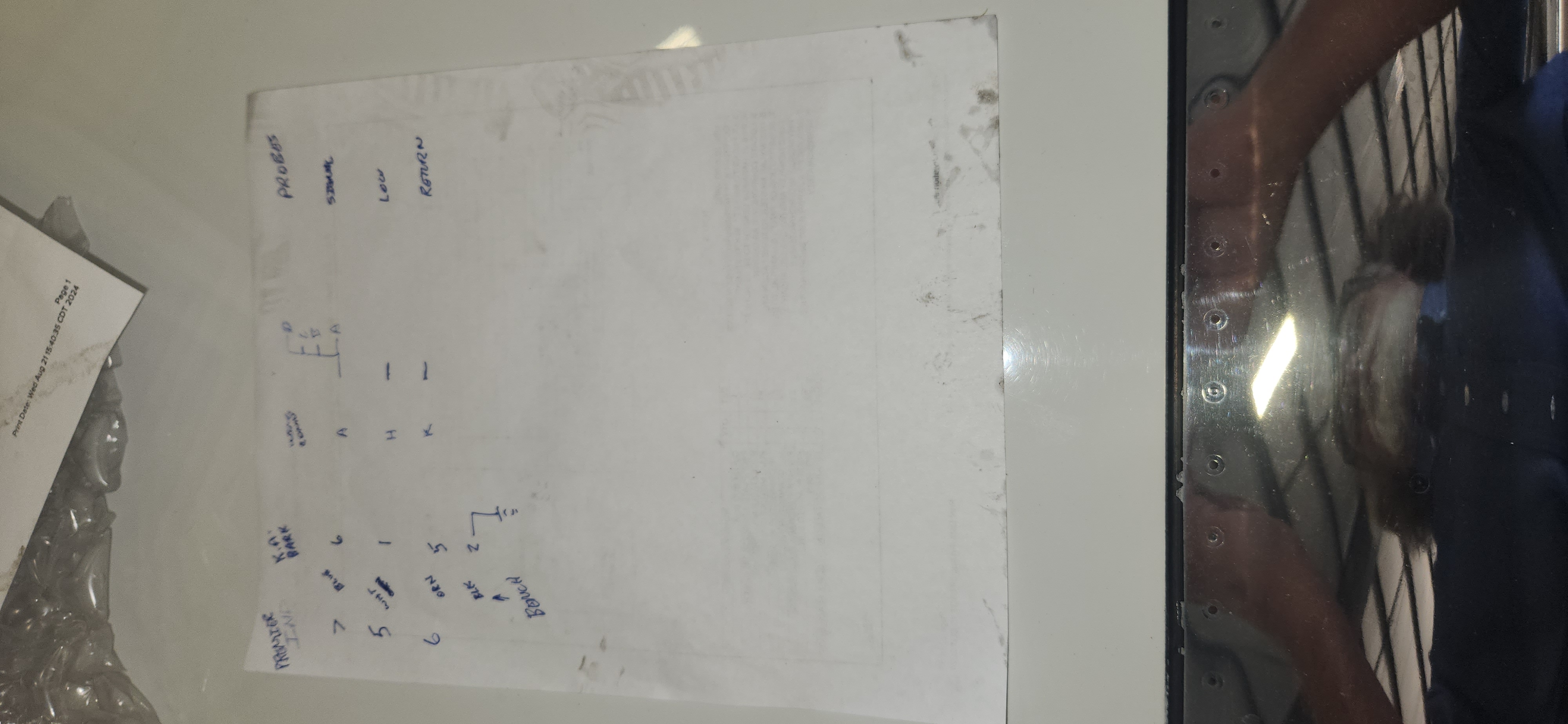


mV selection for DC amps. 5 %.
Current Transducer LA 205-S

702E100-10 and prior have a narrow B channel window, .085vdc, .3 degrees, A channel narrow, .155VDC, .6 degrees.
702E100-11 or 1075D100-3 (Bohlke) or higher has no motion detect. 35 degrees per .4 seconds
Note SB that adds SLAT OUT wires
this is from SIL that details which pins to short, Using this plug repeatedly will certainly damage your PDU even worse than it is. Using it repeatedly can cause a $20,000.00 jack-screw replacement to become a $100,000.00 PDU ….AND…… jack-screw replacement:
Air BNB
Heffley Brothers
| Friday ?M?a?y? ?1?7?,? ?2?0?1?9? | Sunday ?M?a?y? ?1?9?,? ?2?0?1?9? |
|---|
Airplane crowd
| Sunday ?M?a?y? ?1?9?,? ?2?0?1?9? | Tuesday ?M?a?y? ?2?1?,? ?2?0?1?9? |
|---|
Stripper fishing guide
Contact Info:
Cell 972-816-6000
Toll free 888-8TEXOMA
stephen@texomastriperhunter.com
Address:
512 Mill Creek Resort Rd, Boathouse 3
Pottsboro, TX 75076
Click for Map
ToolChain for Terry:
Use Panelplaner,
Choose Template view on icons above panel.
>File>Export DXF,
“turn paths into polylines” is selected
Name it _FilenameDXF_Draft
Open Visio
File>Open> Dropdown “Open File Types” so you can see the DXF
Double click “Cad Object” Right Click >convert, …….
Assure there are no duplicate objects
Create new outline objects with >FreeForm> drag curved shape,
Use <CTL> click to Edit . Delete unused nodes, move end points and handles
<CTL>A Assign to Lay, >NEW Name layer “CutFileLayer”
Paste standard objects (Red) on top of Imported DXF object.
Use “layer properties” select layers on and off to see
File>Save> …..SVG for future edit
>File>SaveAs> Drop down .dxf.., Name file correctly, place it in correct folder
This produces a useable DXF file for Laser, or Water, Or Mill
……….
How do I generate G-code from simple shapes.
use http://maslowmakercam.000webhostapp.com/
Use Inskape or Impress to generate and layout shapes.
File>Export> Filetype .SVG
use http://maslowmakercam.000webhostapp.com/
>Open .SVG
Touch a tool path highlight red then: CAM> Profile Operation.
Set parameters.
Tool diameter, inside/outside cut
Calculate all
Next, go to ToolPaths. Select each one and check parameters.
Next, Export Gcode>select all>Export. Save NCFile
Rename .txt or .ngc
open in editor
find the following codes:
T codes which are tool change. delete them
add M1 at the top
Add S100 in the header for dummy spindle speed
file save as .ngc
Load to Linuxcnc
>>>>>>
